Every LOCATION comment is a new follower.
Your food reel blows up and 800 people ask "where is this?". likecmtshare asks them to follow, sends the exact spot instantly, and saves every fan to your list.
- Every "where is this?" answered
- More followers from every reel
- An email list you own
- Never miss a brand enquiry

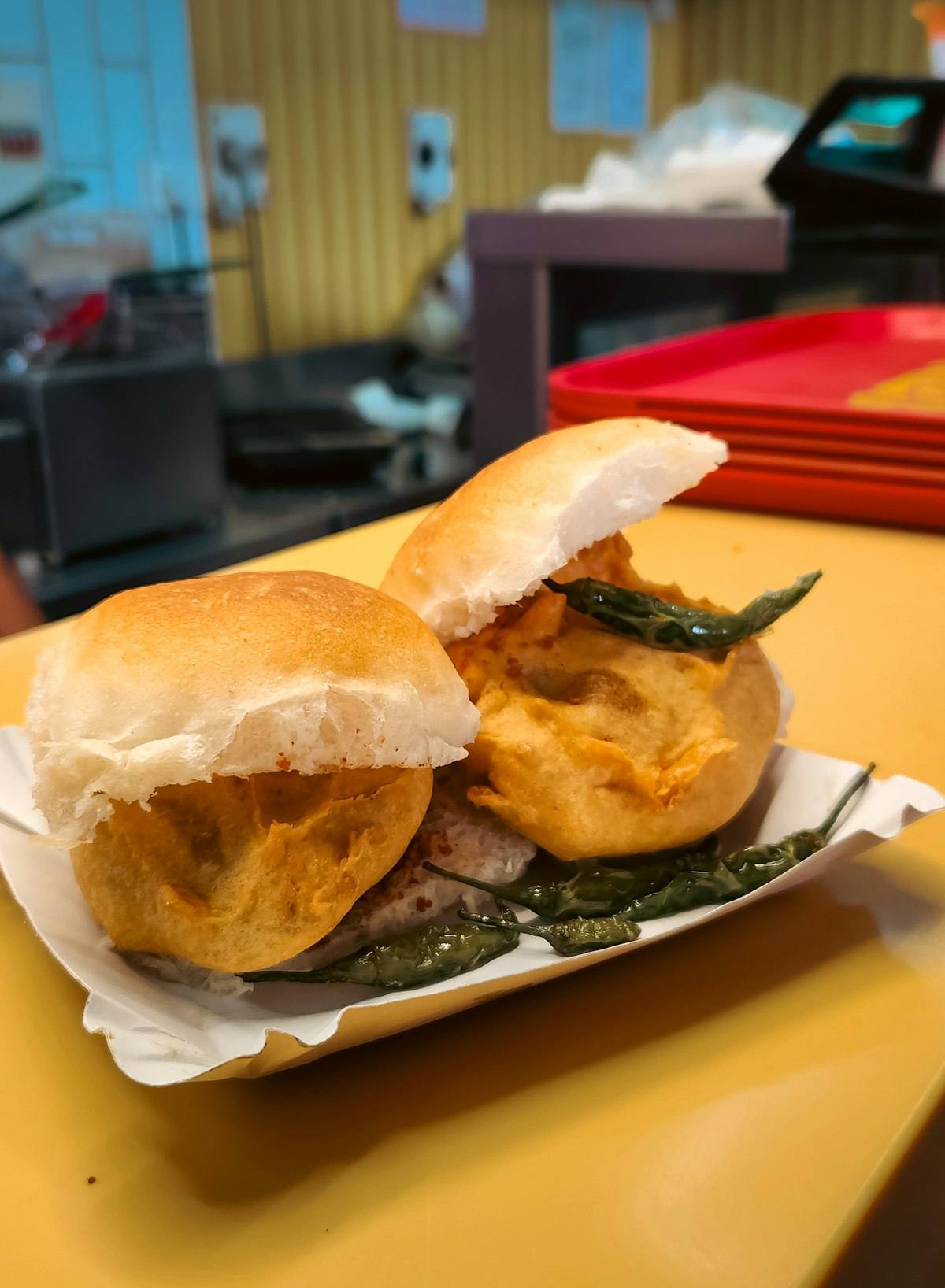
Comment LOCATION for the spot
LOCATION 😍
Reply@meera.s Sent you the spot in DM 📍
ReplyWhere is this?? LOCATION
Reply@karan.eats Check your DMs 🍽️
ReplyLOCATION pls 🙏
ReplyChecked by Meta. Twice.
Before your first DM goes out, Meta has already reviewed our app and verified our business.
Your reels get the views. Your DMs lose the followers.
Answering "where is this?" all day
- ✕Replying "check DM" to hundreds of comments
- ✕Typing the same address and Maps link again and again
- ✕Brand and restaurant enquiries buried in the inbox
- ✕No email list you actually own
Every viewer gets the spot instantly
- ✓Every comment gets a reply and a DM
- ✓Location and Maps link sent automatically
- ✓Emails and numbers saved with the reel they came from
- ✓Tag collab enquiries and reply to brands first
From comment to loyal follower, on autopilot
Here's exactly what a viewer sees after commenting LOCATION on your reel.
Turn "where is this?" into followers
Before sharing the location, ask viewers to follow you. Every food vlog grows your audience.
- Works on reels, posts and stories
- Only followers get the spot
Build your own email list
Ask for an email or phone number first. Once they reply, they get the restaurant photo, address and a Maps button, and you get a subscriber.
- Ask for phone number or email
- Location sent only after they reply
Share your email and I'll send the spot plus my weekly hidden-gems list 📩
meera@gmail.com
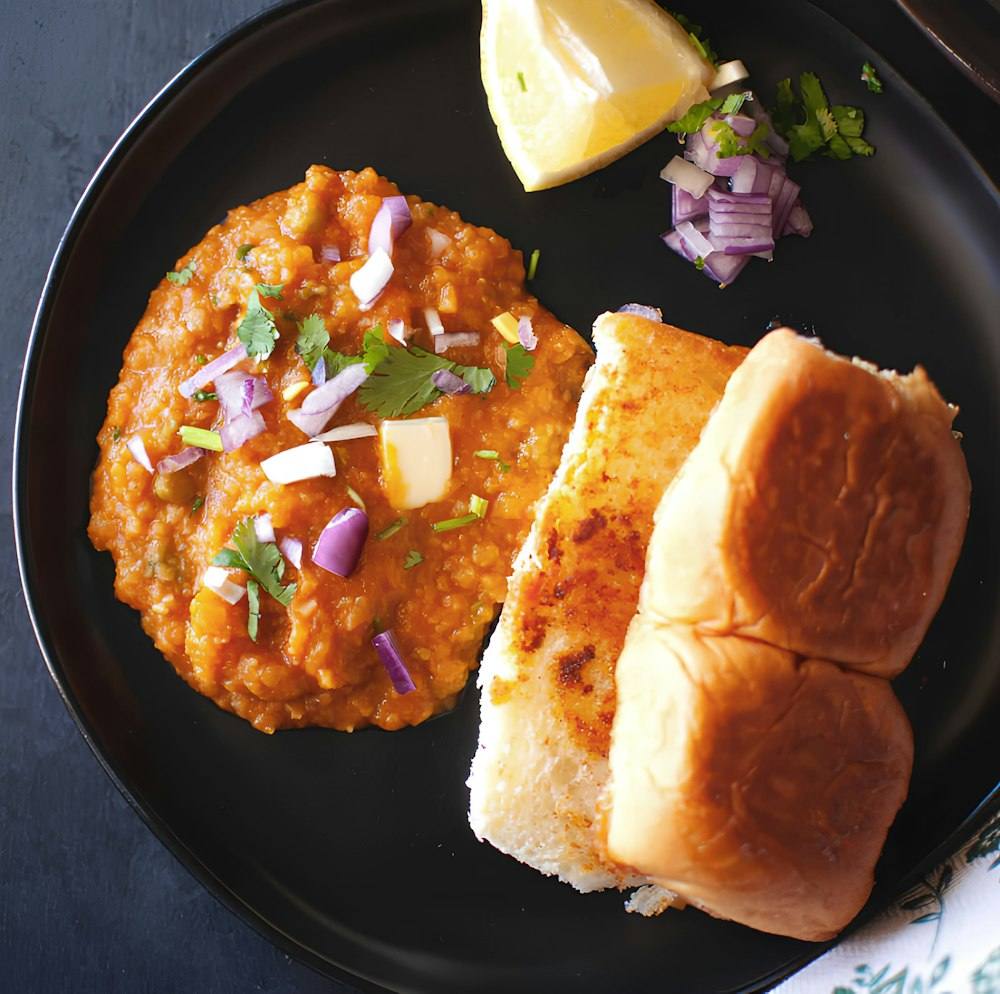
Ashok Vada Pav
📍 Dadar West, Mumbai
Vada pav ₹25 · Open 11 AM – 9 PM
Send your food guide with 2 buttons
Send a PDF guide or a dish photo, then a message with two buttons like "Open the map" and "Watch the full vlog".
- Image or PDF attachment
- Two custom buttons with your links
Share every spot in one swipe
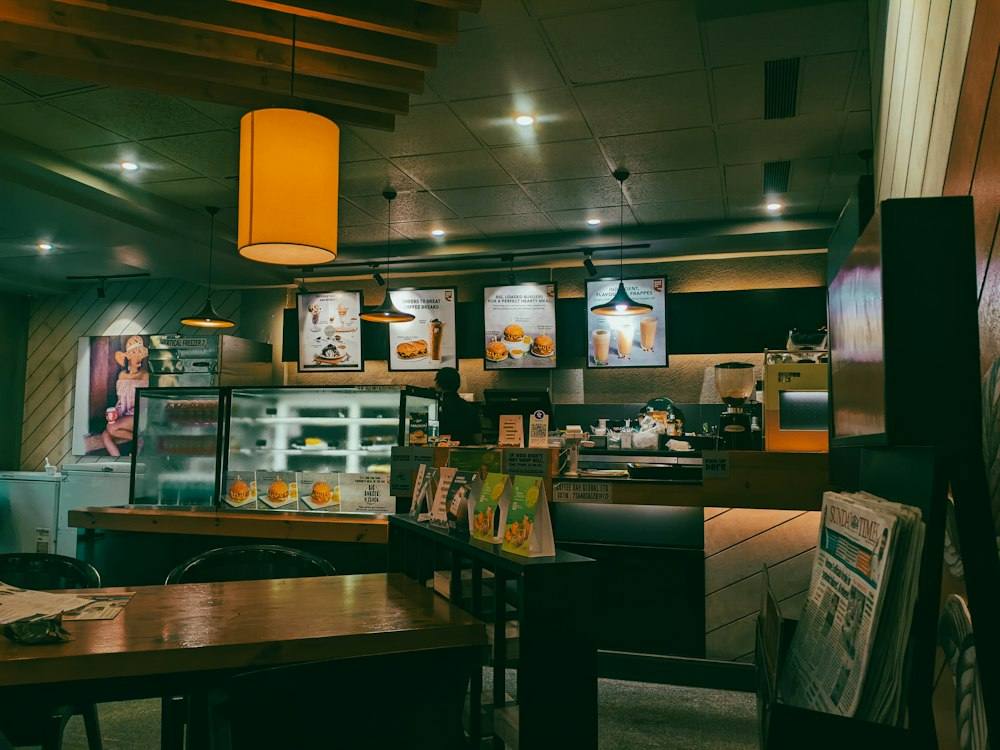
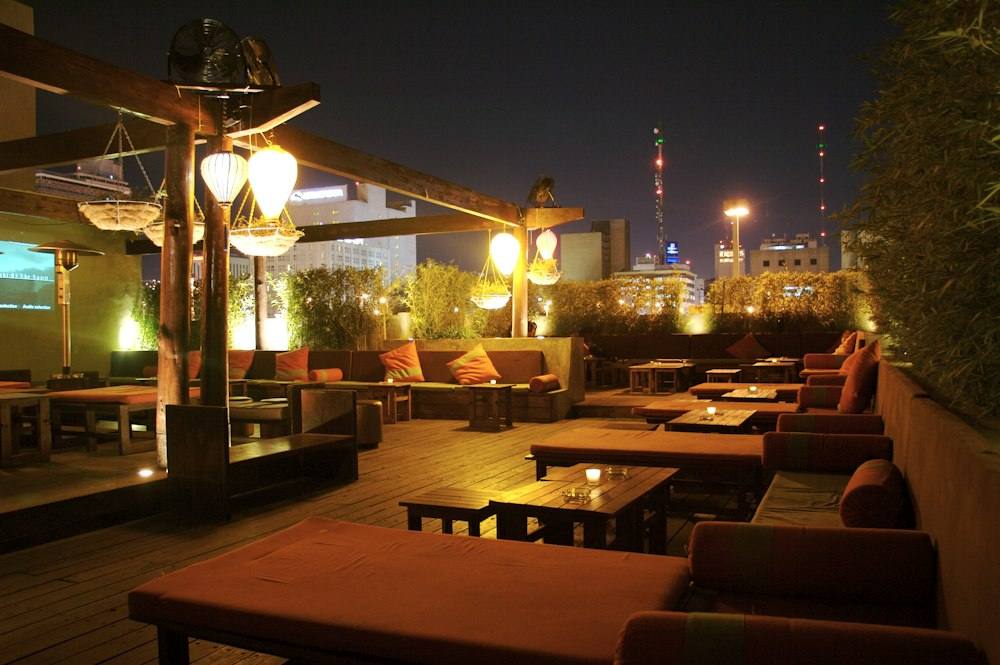
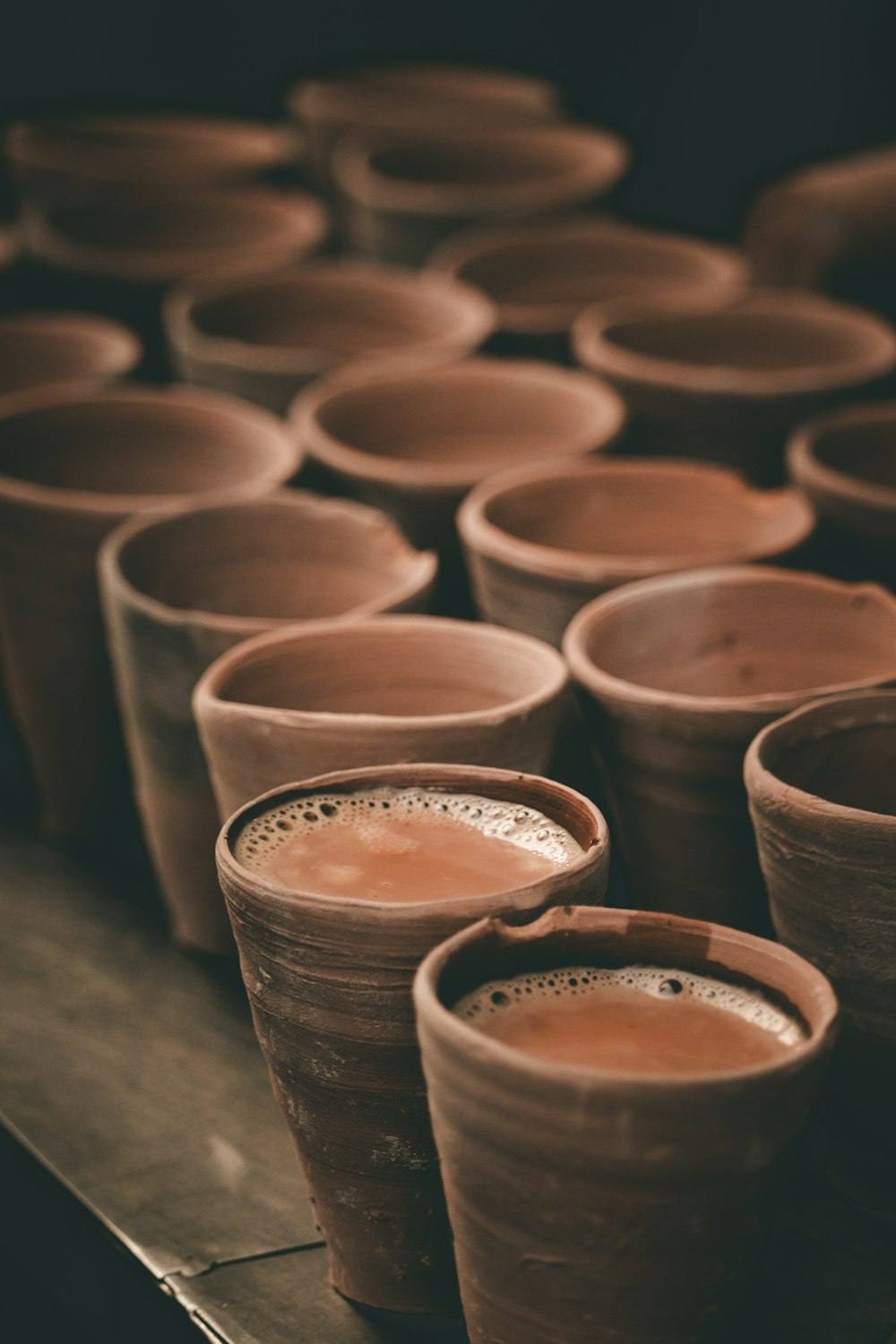
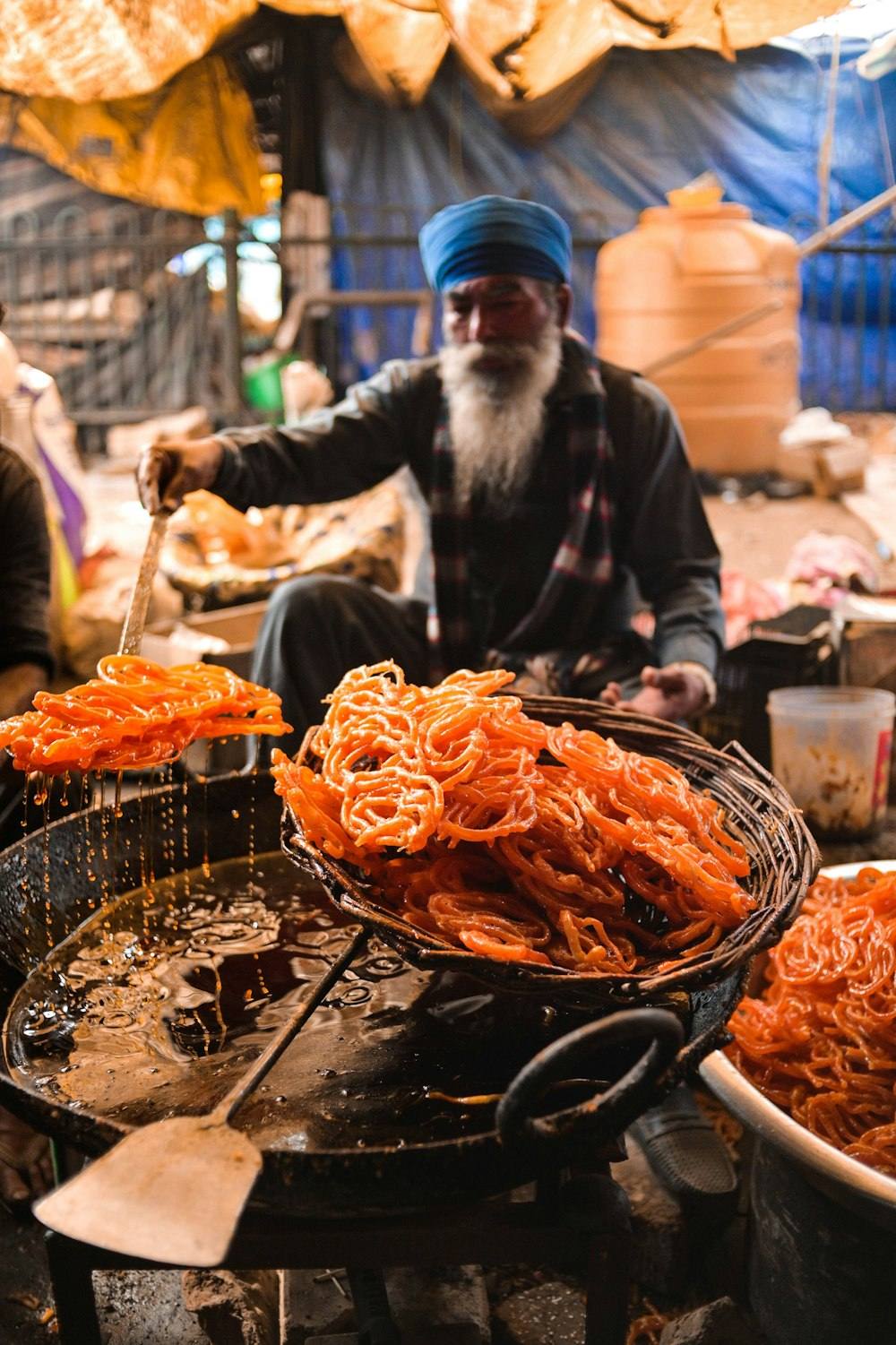
Send a carousel of up to 10 places from your vlog, each with its own photo, area and Maps button.
- Up to 10 spots per carousel
- A button on every spot
All the spots from this vlog, swipe through 👇
Every fan and brand enquiry, sorted by reel
Tap any post to see everyone it brought in, with their phone number or email.
- Leads grouped by post, reel or story
- One tap to DM, WhatsApp or email a lead
- Tags like Hot, Follow Up and Customer
- Add notes like collab budgets or restaurant contacts
- Export leads as CSV
88 leadsVada pav hunt51 leadsCafé crawl39 leadsStreet food tour24 leadsRooftop dinners17 leadsChai spots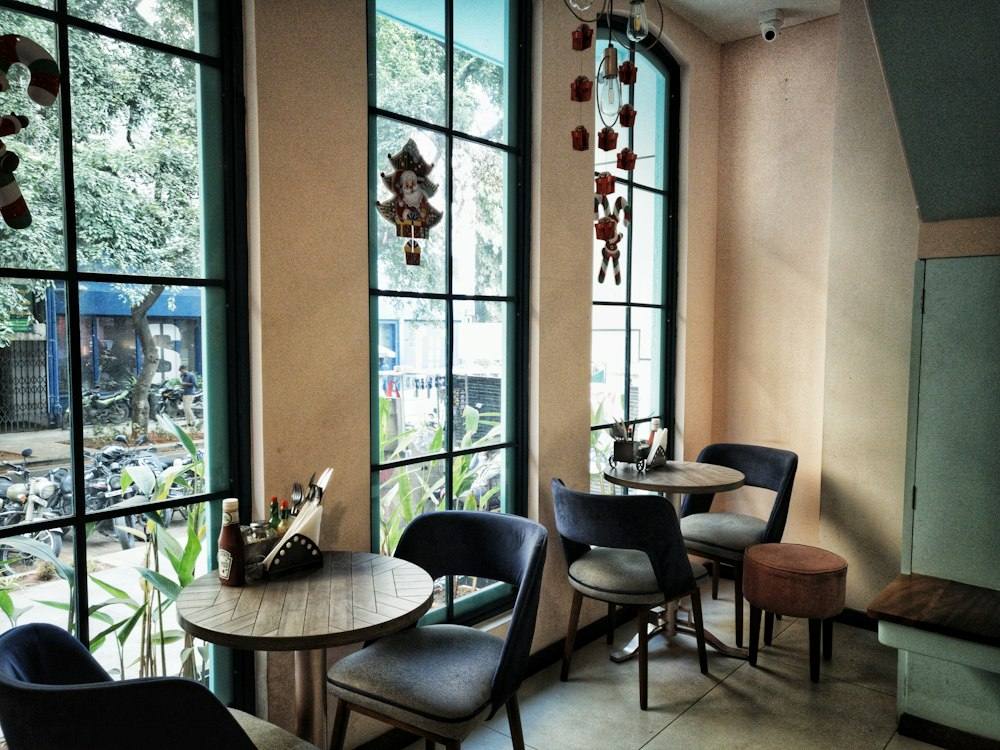 10 leadsBrunch cafés
Set it up once. It works on every vlog.
Write your message, attach your food guide or restaurant photos, add two buttons, and switch on what you need. About two minutes, no code.
- Personalise with the viewer's name
- Attach a PDF, a photo or a 10-photo carousel
- Turn on follow gate and lead capture in one tap
Start free. Upgrade when it pays.
Introductory price offer on all paid plans.
- 1,000 auto-DMs a month
- Send your link when someone comments
- Ask them to follow before the link
- 1 Instagram account
- Anti-ban protection
- Everything in Free, plus
- 3,000 auto-DMs a month
- Collect up to 100 leads (phone and email)
- 2 automations running at once
- 1 Instagram account
- Watches up to 2,000 comments a month
- iOS and Android app, email support
- Everything in Lite, plus
- Unlimited auto-DMs on reels, posts and stories (fair use)
- Unlimited automations, keywords and comments
- Unlimited leads, tagged and exportable
- AI setup wizard and story reply triggers
- 3 Instagram accounts
- Send hot leads to WhatsApp (500 a month)
- Rotates 5 message versions so you never look like a bot
- 90-day analytics and 3 team seats
2 features coming soon
- Comment Guard AI moderation (5K scans a month)
- Link-in-bio paywall (10 products)
- Everything in Pro, plus
- Unlimited WhatsApp handoff
- A custom AI persona for each account
- 10 Instagram accounts
- 10 team seats
- 1:1 onboarding with the founder
- A dedicated success manager
6 features coming soon
- Unlimited Comment Guard and brand voice
- Unlimited paywall products
- White-label dashboard
- API access and webhooks
- A/B testing and scheduled broadcasts
- Agency reports (branded PDFs)
Questions food creators ask
Does it work on reels, posts and stories?
Yes. Set a keyword like LOCATION on any reel or post, or trigger it from story replies. Each post can have its own keyword and message.
Can I send a food guide as a PDF?
Yes. Your DM can include a PDF or an image, followed by a message with up to two buttons, like Open the map and Watch the full vlog.
Can I collect emails before sending the location?
Yes. Turn on lead capture and the DM first asks for a phone number or email. Once they reply, they get the location and the contact is saved as a lead.
Where do I see the leads?
In the Leads section. Tap any post to see everyone it brought in, then DM, WhatsApp or email them, add tags and notes, or export to CSV.
Will my account get banned?
No. likecmtshare passed Meta App Review and uses the official Instagram API. Messages rotate and slow down automatically during viral spikes.